Inventory & Cost of Goods Software for Square Sellers
Makers ringing up sales at markets, pop-ups & shops with Square


Overview
Square is the card reader in your market bag and the register on your shop counter. It records every sale, but not what each item cost to make, how much of the materials behind it are left, or what the processing fees did to your margin. So most makers come home from a market to a sales export and a spreadsheet. Ardent Seller connects to your Square account on Square's own approval page: completed sales from the register and Square Online import about every 15 minutes, with each line matched to your products and discounts, tax, tips, and service charges recorded. Square's processing fees import too, booked as Schedule C Commissions and Fees and linked to their sales. Items link to your inventory by SKU, and each Square location maps to one of yours. Turn on auto push and a finished production run or an online sale updates the Square count at that location, minus a safety buffer you set. Recipes and materials give every product a real cost, so Profit & Loss and Schedule C reports show what a market day actually earned. The connector is included on every plan, including Free. The term "Square" is a trademark of Block, Inc. This application uses the Square API but is not endorsed or certified by Block, Inc.
Common Challenges
- Knowing what each item really costs to make, not just what it rang up for
- Retyping a market day's Square sales into your books
- Working out what card processing fees took from each sale
- Updating Square counts by hand after every batch, and at every location
- Selling out of an item online that you already sold at the booth
- Pulling Schedule C numbers together at tax time
How Ardent Seller Helps
Purpose-built features for square sellers.
Connect on Square's Page
Approve access on Square's own page, so your Square password never touches Ardent Seller. Tokens are encrypted at rest; disconnecting revokes access in Square.
Register Sales Become Sales
Completed register and Square Online sales import about every 15 minutes with lines matched to your products. Walk-in sales go to one "Square walk-in" customer instead of a new one each time.
Square Fees on Schedule C
Processing fees, and refund fee adjustments, import from Square and are booked as Commissions and Fees, linked to the sale they came from.
Stock in Step, per Location
Map each Square location to one of yours. With auto push on, counts go to each location separately, minus a safety buffer, whenever stock changes. Listings start on Manual.
Items Linked by SKU
Items and variations pull in from Square and link to your inventory by SKU. Ardent Seller never edits a Square item, price, or payment; it only writes stock counts.
True Cost of Goods
Recipes, materials, and production runs give every product a real cost, so Profit & Loss and Schedule C reports include every Square sale at its true margin.
Free resources for Square Sellers
Downloadable guides, checklists, and templates — no email required.
Multi-Channel Sales Reconciliation Worksheet
A working Excel worksheet for sellers reconciling Etsy + Shopify + in-person sales against bank deposits — surfaces fee shortfalls, refund mis-postings, and a per-channel monthly P&L.
1099-K Threshold Tracker (2026)
A multi-platform tracker that tells you which payment processors will send you a 1099-K this year under the post-OBBBA 2026 rules. Federal $20K + 200 transactions; nine states and DC trigger earlier.
Product Pricing Calculator
A working Excel pricing calculator — materials, labor, packaging, and platform fees in, a defensible retail price out. Plus a batch tab that shows what 50 vs. 10 actually costs.
Discount Strategy Simulator (Margin-Aware)
Compare BOGO, % off, $ off, and free-shipping promos side by side with your real margin. See the volume lift each promo needs just to break even — the counter-intuitive math most sellers get wrong.
Should I Raise My Prices? Decision Tool
A live web tool that runs the +10% / +20% / +30% price-hike math for one product — including the volume drop that comes with each — and tells you which scenario clears the most monthly profit.
Related references
Interactive hubs and quick-reference tools that pair with the resources above.
Guides for Square Sellers
In-depth articles to help you get the most out of your business.
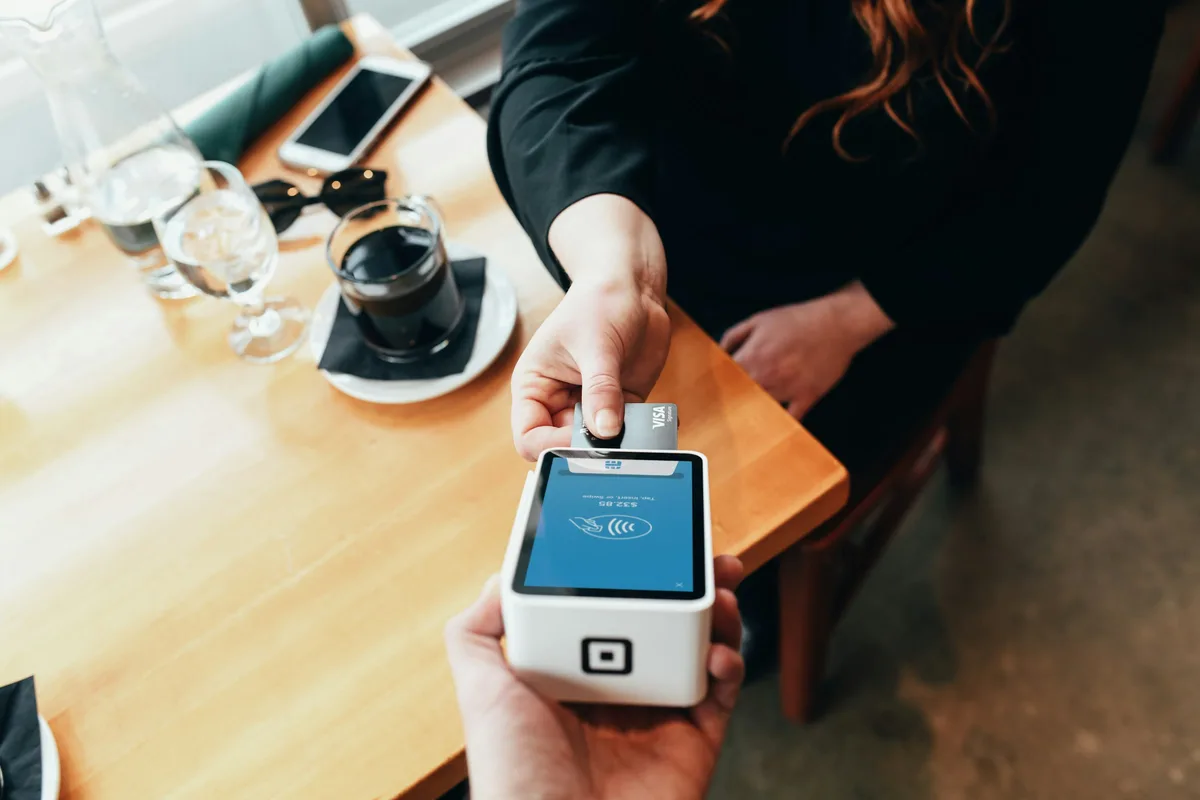
Square vs. Ardent Seller for Makers: Which One Actually Knows What Your Product Costs?
Square is the card reader in your market bag, and it is genuinely good at that job. But it counts finished goods, not the materials you turned into them. Here is exactly where Square's inventory stops, what the paid tiers do and do not unlock, and why running both tools is usually the right answer.
Payment Processing Fees for Handmade Sellers: What a $100 Sale Actually Nets
Every processor advertises one rate and charges several. This is a line-by-line teardown of a real-shaped Saturday market batch — the tap rate, the keyed-in penalty, the invoice rate, and the instant-transfer fee — plus what the same $100 nets across Square, Stripe, PayPal, Shopify, Venmo, and Etsy.

Best Card Reader for Craft Fairs and Farmers Markets
Five card readers judged on the three things that actually fail in a field — dead signal, dead battery, and a fixed per-sale fee that eats small tickets. With published 2026 rates, hardware prices, and each vendor offline-mode policy quoted from the source.

How Much Inventory to Bring to Your First Craft Fair (When You Have No Sales History)
Every stock-planning method starts from last time's sales, which is the one number a first-time vendor does not have. Here is how to build it from scratch: count shoppers who stop at a comparable booth, turn that count into three sales scenarios, split them across your products, and pack so the day teaches you something.

Why Your Craft Fair Booth Isn't Making Money: A Booth-Day Diagnostic
You took $840 at Saturday's show and it felt like a good day. Walk the whole day back — from the Thursday night prep through the Sunday reconciliation — and you can find out what the booth actually paid you per hour, and whether the show is worth rebooking.
Related use cases
Other businesses with overlapping challenges and tools.
Explore other use cases
Ready to streamline your business?
Start free — no credit card required. All features on every plan.
Questions? Check out our pricing