How to start a sticker business
A practical, step-by-step playbook for turning sticker designs into a side income or full business — from your first test print to your first sale, whether you cut them at home or order them from a printer.
- Startup cost
- $50 – $600
- Time to first sale
- 1 – 4 weeks
- Note: Print-on-demand can list within days; a home print-and-cut setup needs 1–2 weeks to test print quality and water resistance, plus marketplace search ramp-up — 1–4 weeks total.
- Difficulty
- Beginner-friendly
Last reviewed · Rates, fees, and regulatory thresholds in this guide can change — verify the linked sources before acting.

The short version
Startup cost is low and the timeline is short: a home print-and-cut setup (a cutting machine, a printer, printable vinyl, and laminate) puts real stickers in your hand within a few days, and print-on-demand needs nothing but a design file. The first fork to make is the production method — print-and-cut at home for the lowest per-unit cost and full control, a bulk order from a sticker printer for specialty finishes, or print-on-demand for an inventory-free side channel. The hard parts come after the first print: staying clear of copyright and trademark (selling other people's characters, logos, or art is one of the most common ways sticker shops get shut down), getting a genuinely waterproof print (pigment or laser ink plus a vinyl substrate and laminate), and pricing past the race to the bottom — a single die-cut sticker is high-margin as a percentage but only a couple of dollars in absolute terms, so sheets, packs, and smart shipping matter more than markup. This guide walks each step in order, with rough cost ranges and free tools that handle the math.
Good fit if…
- You can design (or license) original artwork and enjoy iterating on it
- You have $50–$600 of starter capital, or want to start inventory-free with print-on-demand
- You're willing to spend a few days dialing in the print, cut, and waterproofing before you sell
- You like the idea of selling on Etsy, at markets and conventions, or through short-form video
Probably not for you if…
- You want to sell fan art of cartoon characters, brands, or celebrities — that art gets your listings removed and your shop suspended
- You expect a single $3 sticker to be a meaningful income on its own — stickers are a volume-and-order-value game
- You're unwilling to test print quality and water resistance before listing
- You won't learn listing SEO, build social traffic, or sell in person — stickers need at least one active traffic source, online or off
Tip: Stickers clear a low regulatory bar compared with most maker products — no food-safety permit, no cosmetic labeling, no FDA oversight (unlike food, cosmetics, or children's toys). The two real gates are design originality (copyright and trademark) and dialing in a waterproof print-and-cut process. Both are skill, not paperwork.
End-to-end timeline for a home print-and-cut sticker line
A first sticker can be printed and cut in an afternoon, but a short test pass — print quality, cut registration, and a waterproof check — is what separates a sticker that survives a water bottle from one that peels. The midpoint of the band below is roughly two weeks. Print-on-demand shortcuts the source-and-test stages but trades away margin and control.
- Source + set up~1 week
Order or set up the printer, cutting machine, printable vinyl, and laminate; install the cut software.
- Test print + cut2–5 days
Dial in print color, cut registration, and lamination; run a 24-hour water-and-rub durability test.
- Photograph + list3–7 days
Shoot flat-lay and in-context photos, write listings, set prices, and plan sheet/pack bundles.
- Search ramp + first orders1–3 weeks
Listings get indexed; first views, favorites, and conversions arrive. Heavily niche-dependent.
1–4 weeks to first sale
The 8-step playbook
Run these in order. Skipping ahead is the most common reason new makers ship inconsistent product or under-price their work.
Step 1: Pick your sticker type and production method
Before buying anything, make two decisions that drive every cost downstream: what kind of sticker you'll sell, and how you'll produce it. Getting these right up front saves you from buying a machine you don't need or committing to print minimums you can't sell through.
Production methods compared
Many new sticker sellers start with home print-and-cut — the per-unit cost is lowest and you can test a design the same afternoon. Bulk pro-printing and print-on-demand trade control or margin for convenience and specialty finishes.
| Option | Upfront cost | Per-sticker cost (small scale) | Inventory risk | Best for |
|---|---|---|---|---|
Home print-and-cut Printer + cutting machine at home. | $90–$600 ($90–$300 if you own a printer; ~$400–$600 fully kitted) | ~$0.30–$0.50 | Low — print to demand in small runs | Testing designs, die-cut/kiss-cut vinyl, full control |
Bulk order from a printer Finished stickers from a sticker printer. | $0 equipment; per-design minimums apply | ~$0.10–$0.90 at qty 100–500 | Medium — you pre-pay per design | Proven designs, holographic/specialty finishes, volume |
Print-on-demand (dropship) A POD partner prints and ships each order. | ~$0 (free to connect) | ~$1.30–$2.00 base cost per sticker | None — nothing printed until sold | Inventory-free side channel, lowest effort, thinnest margin |
Per-sticker figures are illustrative for a ~3-inch sticker and move with size, finish, order quantity, and your printer or partner. Bulk and POD base costs come down at larger quantities and sizes — verify against an actual quote before building a price model.
There are two decisions in this step, and the second one (production method) is summarized in the comparison table above.
Sticker types and finishes
- Die-cut — cut to the exact shape of the artwork. Widely considered the premium format and a common buyer preference.
- Kiss-cut — the vinyl is cut to shape but the backing is left whole, so the sticker sits on a square or rectangular backer. Easier to peel and the standard for multi-packs.
- Sticker sheets — several designs on one backer. One of the most effective ways to raise order value (one transaction, more stickers).
- Material and finish — vinyl is durable and waterproof; paper is cheaper but not water-resistant. Finishes include matte, gloss, holographic, clear, and glitter. Water resistance comes from a vinyl substrate plus a laminate top layer (home) or a professional vinyl print.
Production method
Three ways to actually produce stickers, each with a different cost, control, and effort profile:
- Print-and-cut at home — an inkjet or laser printer plus a consumer cutting machine (Cricut (opens in new tab) or Silhouette (opens in new tab)). Lowest per-unit cost, full design control, and you can test a new design the same afternoon. You hold material inventory (vinyl, laminate, ink, backing).
- Bulk order from a sticker printer — upload art to a printer such as Sticker Mule (opens in new tab) and receive finished stickers. Professional quality and access to holographic or specialty finishes a home printer can't produce, but you pre-pay per design and per-design minimums apply.
- Print-on-demand (dropship) — a POD partner such as Printify (opens in new tab) prints and ships each kiss-cut sticker as it sells. Zero inventory and near-zero upfront cost, but the thinnest margin and the least control over quality and shipping. The companion print-on-demand guide covers this model in depth.
Many beginners start with home print-and-cut for die-cut and kiss-cut vinyl stickers because the per-unit cost is lowest and design iteration is instant — then add bulk pro-printing once a design sells consistently and they want a holographic or specialty finish. The comparison table above lays out the trade-offs.
Step 2: Set up the legal & business basics — and clear the copyright trap
Unlike food or skincare businesses, stickers carry no product-specific permits or labeling rules — so the setup here is just ordinary business basics, plus one bright-line legal risk that is among the most common reasons sticker shops get shut down: copyright and trademark.
Compared to food or skincare, stickers carry almost no product-specific regulation in the United States — there's no FDA oversight, cottage-food registration, or mandatory labeling regime. What you do need is the ordinary business setup:
- A business structure. Most sticker sellers start as a sole proprietorship (no filing required in most states) or form a single-member LLC for liability separation. LLC filing fees vary by state (often a low-hundreds one-time fee — check your Secretary of State). The SBA's guide to choosing a business structure (opens in new tab) is a useful starting point.
- An EIN (Employer Identification Number). Free from the IRS via the EIN application page (opens in new tab), completed online in a few minutes. Useful if you form an LLC, sell wholesale, or want to keep your SSN off W-9s.
- A state sales-tax permit. Required in every U.S. state that levies a state sales tax — that's most of them; only Alaska, Delaware, Montana, New Hampshire, and Oregon do not (see the Tax Foundation's state and local sales-tax rates report (opens in new tab); Alaska localities can still impose local sales tax). Etsy collects and remits sales tax as a marketplace facilitator in most states, but you typically still need the permit to operate — verify your own state's rules.
- Product liability insurance — low priority for stickers. Stickers aren't a high-risk product the way candles or cosmetics are, so this can wait. Pick it up if a craft fair or wholesale buyer requires proof of coverage — many vendor applications do.
The one area with real legal risk is intellectual property. Stickers are among the most common products where new sellers infringe copyright or trademark, usually without realizing it — fan art of cartoon characters, brand logos, celebrity faces, and other artists' work are all off-limits, and "I redrew it myself" is not a defense. Sell only artwork you created or hold a commercial print-and-resale license for (read the license — many "commercial use" graphics still prohibit reselling the design on physical products), and search the USPTO trademark database (opens in new tab) before building a brand around any name. The U.S. Copyright Office (opens in new tab) explains what copyright protects. The notice below lists the specific categories to avoid.
Two things people over-do at this stage: forming an LLC before any sales (start as a sole prop, upgrade later), and buying accounting software before $500 in revenue. A separate checking account on day one is enough.
Regulatory notice: Selling others' characters, logos, or photos is one of the most common ways sticker shops get shut down
Copyright covers illustrations, photos, and characters; trademark covers brand names and logos. Selling stickers of Disney/anime/Sanrio characters, sports or company logos, celebrity likenesses, song lyrics, or another artist's artwork — even redrawn or labeled "fan art" — can trigger DMCA takedowns, marketplace suspension, and statutory damages. Sell only work you created or hold a commercial print-and-resale license for, and search the USPTO trademark database before building a brand around any name. The U.S. Copyright Office (copyright.gov) and USPTO (uspto.gov) sites explain what is protected.
Step 3: Buy your equipment & materials
Resist a bulk supply run before you've test-printed. A home print-and-cut starter kit is cheap and produces real, sellable stickers within a few days. (If you chose bulk pro-print or POD in step 1, skip most of this list — your "equipment" is a design file and a sample order.)
A workable home print-and-cut starter kit for die-cut and kiss-cut vinyl stickers, sized to test designs and produce your first listings:
- Cutting machine (Cricut Maker/Explore or Silhouette Cameo): around $200–$400 (check current prices — models go on sale regularly). The print-and-cut (registration) feature is what reads your printed sheet and cuts to the artwork — this is the core tool.
- Printer: $0–$200. A pigment-ink inkjet or a color laser resists fading and water far better than dye-based ink. Many makers start with a printer they already own and upgrade once a design sells.
- Printable vinyl sticker paper (matte or gloss), 25–50 sheets: $20–$45. Buy one finish to start.
- Laminate (cold laminate sheets or laminator pouches): $15–$40. Lamination is what makes a sticker waterproof and scratch-resistant — it is not optional for outdoor or water-bottle stickers.
- Weeding tools and a scraper/squeegee: $10–$20. For removing excess vinyl and bubble-free application of laminate.
- Design software: free options include Canva (opens in new tab) and Inkscape (opens in new tab); Procreate (opens in new tab) is a popular paid option for drawing on an iPad.
- Packaging: rigid mailers or cello sleeves plus backing board, $15–$40 for a starter pack.
Total starter outlay: roughly $90–$300 if you already own a printer, or about $400–$600 fully kitted with a new cutting machine, a pigment-ink printer, materials, and packaging.
A cutting machine and a small laminator take a desk corner, and vinyl and laminate store flat. Unlike candle or soap work, there's no ventilation requirement and no curing space to plan around.
Once a design is dialed in and selling, that's the point to consider a bulk pro-print order for specialty finishes — not before. Per-design minimums mean an unproven design can leave you holding 100 stickers that don't move.
Step 4: Design, test-print, and cut
This is the step that separates a sticker that survives a water bottle from one that fades and peels in a week. A short test pass — print, laminate, cut, and a 24-hour water-and-rub check — before any sale is worth the afternoon.
Design and production are one loop for stickers: a design that looks great on screen can shift in color, clip at the cut line, or peel at the edges once it's a physical object. Build the loop before you build a catalog.
Design for the cut
- Work at the final print size and export at 300 DPI with a transparent or white background to suit your material.
- Keep important detail away from the edge, and add a small offset border (a thin outline around the art) so the die-cut line doesn't clip the design.
- For sticker sheets, lay out multiple designs with enough spacing for the blade to separate kiss-cuts cleanly.
Print-and-cut workflow
- Print, then laminate, then cut. Laminating before the cut seals the printed face; the laminate plus a vinyl substrate is what delivers water resistance.
- Calibrate registration. The machine reads registration marks to align the blade with your printed art. Registration drift — the cut not following the outline — is a common home print-and-cut headache; calibrate the offset on a test sheet before a full run.
What to test for every material + printer + design
- Color accuracy — the screen-to-print shift; adjust and reprint until it matches.
- Cut registration — does the cut follow the printed outline cleanly?
- Lamination adhesion — no bubbles or lift at the edges.
- Durability — a 24-hour soak and a rub test, and ideally a few days stuck to a water bottle or laptop.
Keep a short log of printer settings, material, laminate, and cut pressure per design. That log becomes your repeatable production recipe and saves re-dialing every batch. Pro-print and POD sellers: order one physical sample of every product before listing it — on-screen mockups hide color and finish surprises that only show up in hand.
Step 5: Price your stickers to actually make money
Stickers are a high-margin-percentage, low-dollar-per-unit product — one can cost $0.30 to make and sell for $3, but $2.70 of margin doesn't go far one sticker at a time. Pricing well means covering your time and shipping, and using sheets and packs to lift the order value.
A widely cited maker-pricing rule of thumb positions wholesale at about 2× cost and direct retail at 3–4× cost. It applies to stickers too, but the absolute numbers are so small that the bigger lever is order value, not per-unit markup.
What a single 3-inch die-cut vinyl sticker actually costs (home print-and-cut)
- Material (vinyl share + laminate + ink + backing): ~$0.30–$0.50
- Labor: design cost is amortized across the run; weeding, cutting, peeling, and packing a single sticker is small but real — track your minutes per batch to get a true figure
- True cost (illustrative): roughly $0.40–$0.80 once a little labor is added
A spot-check of Etsy listings shows individual die-cut stickers commonly priced in the $3–$4 range (verify against current listings in your niche before pricing). That looks like a roughly 6–13× markup on material — but after a first-class stamp (opens in new tab) (~$0.78 — verify the current rate) plus the material and a little labor, a single $4 sticker nets only roughly $2.40–$2.85 before any marketplace fees, and step 6 shows Etsy taking about $0.93 more out of a $4 order. The economics that actually move a sticker business:
- Sheets and packs raise order value. A 6-design sheet at $8–$12, or a "5 stickers for $12" pack, recovers far more labor per transaction than singles. This is the highest-leverage pricing decision you make.
- Shipping is make-or-break. A single flat sticker can mail in a plain envelope at the USPS first-class mail (opens in new tab) letter rate (verify current rates, and check the envelope meets machinability rules) — so don't bolt a $4 parcel rate onto a $3 sticker; it kills conversion. Many sellers offer cheap or free stamped-envelope shipping on small orders and build the cost into the price.
- Pro-print and POD change the math. Bulk die-cut from a printer can reach $0.10–$0.50 per sticker at quantity (raising margin), while POD base costs of $1.30–$2.00 against a $3–$4 retail leave a thin per-unit margin. Model your chosen path rather than assuming the home-print numbers apply.
Run the calculators linked below on your own materials, labor, and target price before listing — the worked numbers above are illustrative mid-range estimates and your actuals will shift with size, finish, and quantity.
Step 6: Choose where to sell
Stickers suit nearly every maker channel — they're cheap, light, impulse-friendly, and endlessly giftable. Each channel trades fees, foot traffic, and effort differently.
The most common starting channels for sticker sellers:
- Etsy — a large built-in audience actively searching for stickers, and a strong fit for die-cut and sheet listings. Be aware of the stacked fee load: per Etsy's Fees and Payments Policy (opens in new tab) (verify current rates), a $0.20 listing fee, a 6.5% transaction fee on item + shipping, ~3% + $0.25 US payment processing, plus an Offsite Ads fee on sales Etsy attributes to its own ads. On cheap items the percentage bites harder — on a $4 sticker with $1 shipping the non-Offsite-Ads fees run roughly $0.20 + 6.5% × $5 ($0.33) + ~$0.40 processing ≈ $0.93, about 23% of the $4 item. That heavier percentage on low price points is exactly why packs and sheets matter. Shops under $10K in trailing 365-day sales can opt out of Offsite Ads (the opt-out threshold and full rules are set out in the same Etsy Fees and Payments Policy linked above) — the full fee breakdown lives in the Etsy shop guide and our Etsy fees FAQ.
- In-person — markets, craft fairs, conventions, and artist alleys — stickers are the classic impulse buy and a common low-price item that pulls people to a booth. High margin (no platform cut), instant feedback, and cash or card sales via a Square reader. Booth fees vary widely — confirm with the organizer and model break-even against the booth cost.
- Your own Shopify / Squarespace store — no platform cut and full control, but you drive every visitor yourself. Typically a phase-2 channel once Etsy, markets, or social have built a base of repeat customers.
- Wholesale to boutiques, cafes, and bookshops — predictable repeat orders at wholesale price. Build a simple line sheet with photos, retail prices, minimum order quantity, and lead time.
- TikTok Shop / Instagram and print-marketplaces (Redbubble) — stickers perform unusually well on short-form video, and a print-marketplace offers a passive, inventory-free royalty channel for the same art (covered in the print-on-demand guide).
A common opening combination is Etsy plus local markets, or Etsy plus a TikTok presence — one brings searchable traffic while the other gives direct feedback or viral reach. Pick one to start, ship for a few weeks, then layer the second.
Whichever channels you choose, you'll need to track stock across all of them so you don't oversell a design that just ran out — that's the operational problem the next step covers.
Step 7: Track inventory, costs, and taxes from day one
Once designs multiply, stickers create a SKU-count problem fast — one piece of art becomes singles, sheets, packs, and multiple sizes and finishes. Staying on top of stock, costs, and taxes is the operational reality once sales start.
For the first handful of designs a notebook or spreadsheet is genuinely fine. Past that point the math gets brittle. Common breakdowns:
- One design becomes a dozen SKUs (size × finish × single/sheet/pack) and a spreadsheet stops tracking which variants are actually in stock.
- You buy vinyl by the sheet or roll but price per sticker — manual cost-per-unit math drifts as material prices change.
- An Etsy order ships and you forget to deduct the material; you oversell a popular design at a market the same weekend.
- Etsy fees and shipping need to land per-order for Schedule C; a single "platform fees" lump hides which designs quietly lose money to Offsite Ads.
- Tax time arrives and you can't tell the IRS what the stickers you sold cost to produce.
A rough heuristic: once you're past roughly 20–30 designs or SKUs, or selling on more than one channel, spreadsheet workflows tend to become error-prone — that's typically when a dedicated tool starts to pay for itself. The Tools to consider section below covers the options across price tiers, from free spreadsheets to dedicated software.
Two tax items to keep separate: sales tax (Etsy collects and remits it for most US states as a marketplace facilitator, but you still report gross sales on your state filing and hold the permit from step 2) and income tax (sticker profit goes on Schedule C; quarterly estimated taxes (Form 1040-ES (opens in new tab)) are required once you expect to owe $1,000+ for the year).
Step 8: Market without burning out
Short-form video performs unusually well for stickers — the make, peel, and pack-an-order clips are oddly satisfying to watch, and it's worth the time earlier than for many maker products. You don't need a big ad budget; you need scroll-stopping photos, a couple of consistent content habits, and a reason for buyers to come back.
Strong photography is the easiest lever a new sticker seller can pull. Etsy is a visual-first marketplace, and the lead photo is what stops the scroll on a search results page (Etsy's own Seller Handbook photography library (opens in new tab) covers this in depth).
What works for sticker photography:
- A clean flat-lay on a neutral surface for the lead image
- In-context shots — the sticker on a laptop, water bottle, phone case, or notebook — so buyers see real size and finish
- A shot at an angle for holographic, glitter, or clear finishes, so the effect actually reads
- Square 1:1 crops, since Etsy's search grid is square
Beyond photos, the highest-leverage habits for stickers specifically:
- Short-form video. "Pack an order with me," weeding, and peel clips reliably perform for stickers — the production cost is your phone and a few minutes. This is the rare case where video is worth the time early, not in "phase 2."
- A free sticker in every order. At $0.30–$0.50 in materials it costs almost nothing, and it turns a first order into a repeat one. Pair it with a hand-written thank-you and a "what design next?" prompt — a low-cost habit with near-zero downside.
- Email and repeat customers. Capture emails at markets with a small discount card; repeat buyers are the cheapest sales you'll ever make.
Two activities to treat cautiously in the first few months: paid Etsy Ads on sub-$5 items (the per-click math is brutal until a listing already converts — model it against your margin first) and paid influencer placements (sticker margins rarely support them until you have a clear bestseller mix). Both can become useful later; they're just expensive ways to learn marketing in month one.
The tools section
Tools to consider
A short, honest list — Ardent Seller alongside the other tools most sticker business owners end up using.
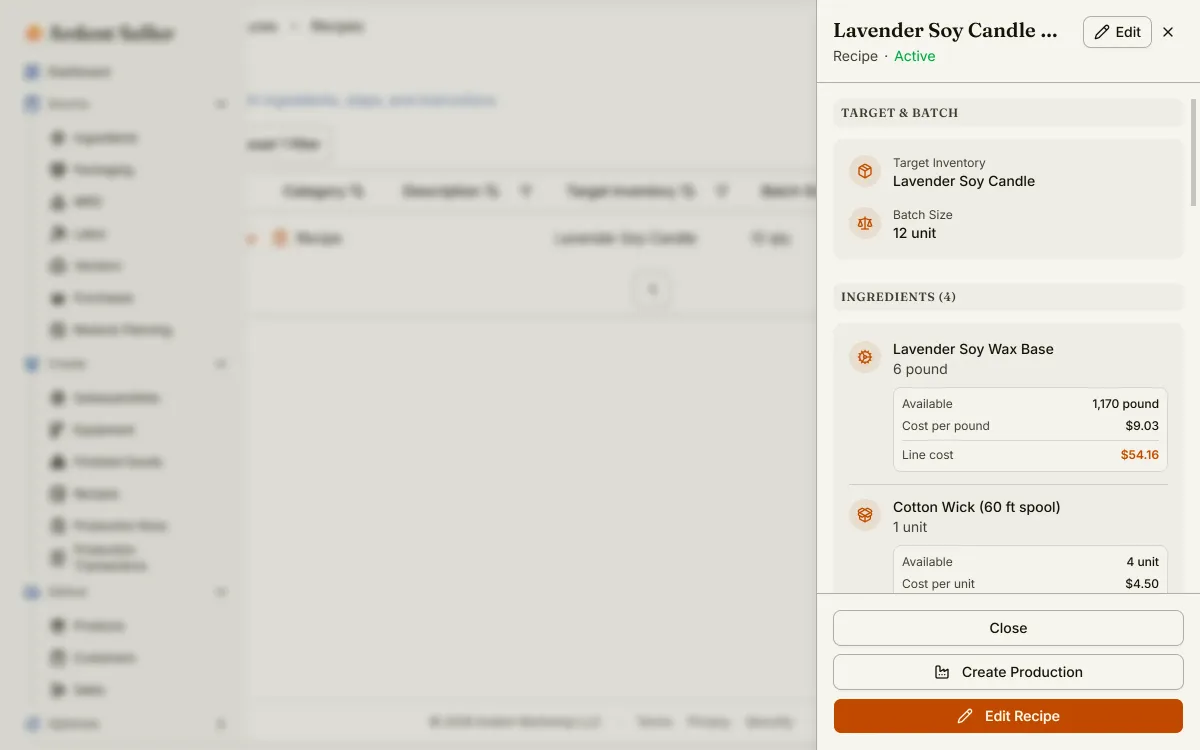
Track printable vinyl, laminate, ink, and backing as inventory; build each design and its sheet and pack bundles as products with auto-generated SKUs across size and finish; see true per-sticker cost including material waste and labor. The free plan covers a small catalog and includes Etsy sync for one shop (additional marketplace channels in development); paid plans add more connections, higher limits, and deeper reporting.
Free design tool with sticker-friendly templates, transparent-background export, and listing graphics. A common starting point before stepping up to Inkscape or Procreate.
Free software bundled with Cricut cutting machines for laying out print-and-cut sticker sheets and calibrating registration. Silhouette Studio is the equivalent for Silhouette Cameo machines.
Bulk and on-demand sticker printer for proven designs and specialty finishes (holographic, clear, glitter) a home printer can't produce. Per-design minimums apply — order once a design is selling.
A common first channel for stickers — built-in marketplace traffic surfaces a new shop quickly. Be aware of the stacked fee load (listing + transaction + payment processing, plus optional Offsite Ads) and that the fee percentage bites harder on low price points.
Standard for tracking income and expenses for tax purposes. Categorizes purchases automatically and exports a Schedule C summary at year-end. Pricing changes — see Intuit's pricing page for current rates.
Common mistakes to avoid
The patterns that show up over and over in the first year.
Selling fan art, logos, or other people's designs
This is one of the fastest ways to get a shop suspended. Cartoon and anime characters, brand names and logos, sports and university marks, celebrity faces, song lyrics, and another artist's illustrations are protected by copyright or trademark — "fan art" and "I redrew it" are not reliable defenses. Sell only work you created or hold a commercial print-and-resale license for, and search USPTO before committing to a name (see step 2).
Using dye ink or skipping lamination
Dye-based inkjet ink fades and runs when wet; unlaminated paper or vinyl isn't waterproof. Buyers expect stickers to survive a water bottle or laptop. Use pigment ink or a color laser, print on vinyl, and laminate — then run a 24-hour water-and-rub test before listing (step 4).
Pricing singles to the bottom and ignoring order value
A $3 single sticker nets only a couple of dollars after material and shipping, so racing competitors to the lowest single-sticker price is a losing game. The real lever is order value — sheets, multi-packs, and bundles recover far more labor per transaction. Price the pack, not just the unit (step 5).
Charging parcel shipping on a flat sticker
Bolting a $4 parcel rate onto a $3 sticker kills conversion. A single flat sticker can mail in a plain envelope at the USPS first-class letter rate — learn the stamped-envelope method, verify current USPS rates, and either offer cheap shipping or build the cost into the price (step 5).
Over-buying equipment before testing demand
A top-tier cutting machine plus a stack of vinyl, laminate, and a new printer is easy to justify before a single sale. Start with the minimum kit (or even print-on-demand), validate that designs sell, then reinvest revenue into better equipment and bulk pro-print runs.
Mixing personal and business money
Open a separate checking account on day one — even before you form an LLC. At tax time the difference between five minutes and five hours of bookkeeping is whether the vinyl, ink, and Etsy deposits sit in their own account.
Frequently asked questions
The questions new makers ask most often.
Do I need a license to sell stickers?
In most U.S. states, no specific license is required to make and sell stickers — they aren't a regulated product like food or cosmetics. You will typically need a general business registration with your state or city and a sales-tax permit if your state has sales tax. The bigger legal issue for stickers isn't licensing — it's copyright and trademark: you can only sell artwork you created or have a commercial license to use.
How much does it cost to start a sticker business?
A realistic range is $50–$600. At the low end, print-on-demand needs almost nothing — a design file and a sample order. A home print-and-cut setup runs about $90–$300 if you already own a printer, or up to about $600 fully kitted with a new cutting machine, a pigment-ink printer, and $50–$100 in printable vinyl, laminate, and packaging. Many makers start lean and reinvest early sales into better equipment and bulk pro-print runs.
How long does it take to start selling stickers?
Plan on 1–4 weeks from start to first sale. Print-on-demand stickers can be listed within days. A home print-and-cut setup needs a few days to dial in the print, cut registration, and a waterproof lamination process, then a few more days to photograph and list. First-sale timing on a marketplace like Etsy is heavily niche-dependent — a low-competition design can convert in week one, while a crowded niche takes longer and active listing SEO.
Do I need a Cricut to make stickers?
No. A cutting machine (Cricut or Silhouette) speeds up die-cut and kiss-cut production and gives a professional finish, but it isn't required. You can print on full-sheet sticker paper and hand-cut with scissors or a craft knife, order finished stickers in bulk from a printer like Sticker Mule, or use a print-on-demand partner that prints and ships each order for you. The machine pays off once you're producing volume and want clean die-cut shapes.
How do I make stickers waterproof?
Two things make a sticker waterproof: the ink and the construction. Use pigment-based inkjet ink or a color laser printer (dye-based ink runs when wet), print on vinyl rather than paper, and apply a laminate top layer to seal the printed face. The combination of pigment/laser ink plus vinyl plus laminate is what gives a home-made sticker its water resistance — enough to survive a water bottle or a gentle hand-wash. Dishwasher durability is a higher bar that depends on the laminate grade and adhesive; consumer cold-laminate may not hold up to repeated heat cycles, so test before labeling a design "dishwasher safe." A professional vinyl print from a sticker printer is the most durable option. Always run a 24-hour soak-and-rub test before listing a design as waterproof.
Can I sell stickers of cartoon characters, brands, or celebrities?
No. Cartoon and anime characters, company and sports logos, brand names, celebrity faces and names, and song lyrics are protected by copyright or trademark, and selling stickers of them is infringement — even if you redraw the art yourself or label it "fan art." Marketplaces respond to copyright and trademark complaints by removing listings and suspending repeat-offender shops, and rights holders can pursue statutory damages. Sell only artwork you created or hold a commercial print-and-resale license for.
Are sticker businesses profitable?
Stickers have a high margin as a percentage — a single die-cut sticker can cost $0.30–$0.80 to produce and sell for $3–$4 — but a low margin in absolute dollars, so profitability is a volume-and-order-value game rather than a high-ticket one. The sellers who make real money lift average order value with sticker sheets, multi-packs, and bundles, keep shipping cheap (a flat sticker mails in a stamped envelope), and sell across more than one channel. Model your own numbers with the pricing calculators before committing to a price.
Where should I sell stickers first — Etsy, markets, or TikTok?
All three are viable, and many sticker sellers run two in parallel. Etsy provides built-in search traffic but stacks listing, transaction, payment-processing, and optional Offsite Ads fees that bite harder on low price points. In-person markets and conventions keep all the margin and give instant feedback, but require booth fees and weekend availability. TikTok and Instagram are unusually effective for stickers because peel and pack-an-order videos perform well — but content takes consistent time. A common opening combination is Etsy plus either local markets or a TikTok presence: pick one, ship for a few weeks, then layer the second.
Free resources
Hand-picked calculators, checklists, and templates that map directly to the steps above.
Live web version of our Excel pricing calculator. Materials + labor + packaging + platform fees → defensible retail at your target margin, with batch-pricing tiers.
Pick a target hourly rate, enter your materials, hands-on minutes per unit, and platform fees — the calculator returns the minimum price that actually pays you that rate after fees and costs. Maker-business specific, not a "freelance day rate" tool.
Live Etsy fee calculator updated for 2026. Enter item price, shipping, country, COGS, and ad spend — see listing, transaction, payment processing, Offsite Ads, and regulatory operating fees broken out line by line, plus your true net profit per sale.
A vendor-neutral PDF primer on building a real SKU system — prefix conventions that survive variants and reorders, when barcodes start paying for themselves, free vs. paid barcode options, and a one-page printable cheat sheet for the workbench wall.
36 things to set up before — and after — your first sale. Inventory, pricing, and the legal essentials in one place.
A working Excel inventory tracker for makers — raw materials, finished goods, packaging, and a purchase log. Reorder thresholds and a status column do the math; conditional formatting flashes red when you are below the line.
A free, scoped-for-small-sellers economic-nexus checker. Enter your trailing 12-month sales and transactions per state, and the tool flags every state where you have probably crossed the post-Wayfair economic-nexus threshold — without pushing you into a filing product.
Walk through the nine factors of Treasury Regulation §1.183-2(b) and find out whether your side activity qualifies as a for-profit business or a hobby for federal tax purposes — and where to focus to strengthen the business case.
When a spreadsheet is enough, when it stops working, and how to tell the difference before it costs you.
A working Excel worksheet for sellers reconciling Etsy + Shopify + in-person sales against bank deposits — surfaces fee shortfalls, refund mis-postings, and a per-channel monthly P&L.
Compare BOGO, % off, $ off, and free-shipping promos side by side with your real margin. See the volume lift each promo needs just to break even — the counter-intuitive math most sellers get wrong.
Read next
Deeper dives on the topics that come up in the guide.
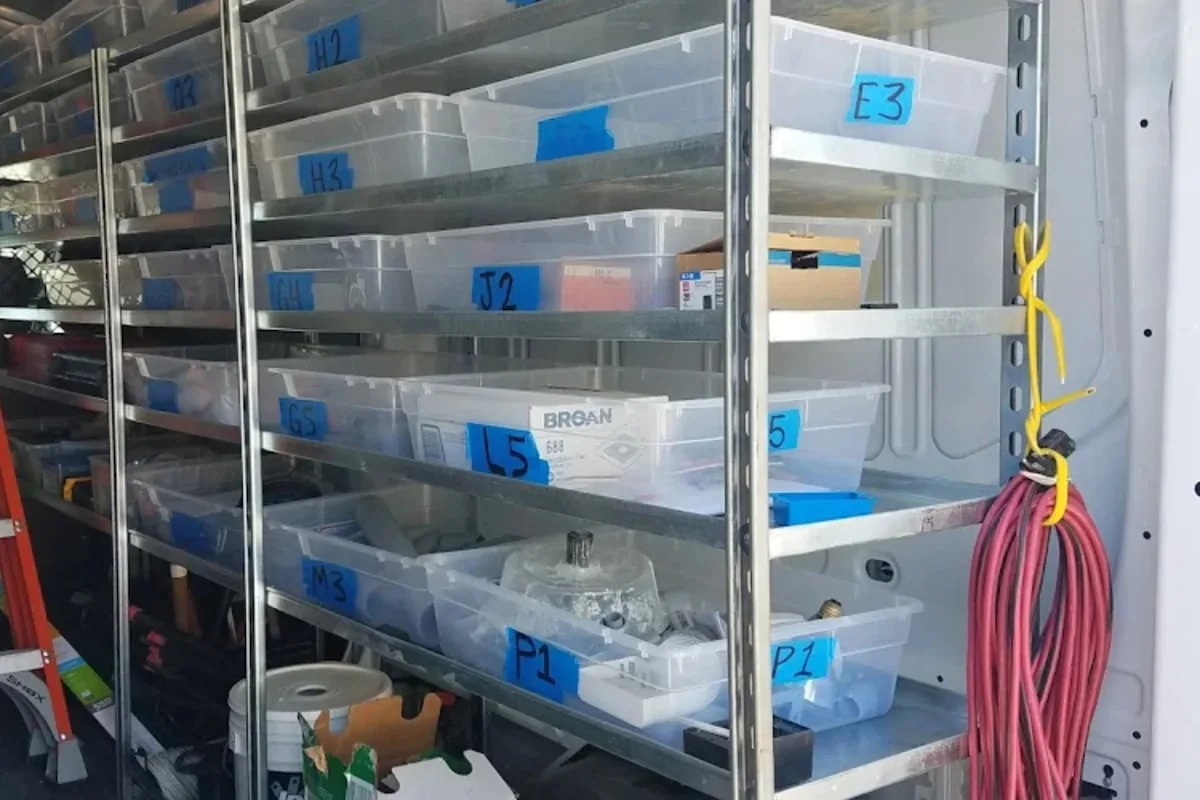
Most small sellers build their first SKU system on a Tuesday afternoon in a hurry and regret it for the next three years. Here is how to name, number, and organize your products so you can find anything in seconds — and how to fix the mess if you already built one.
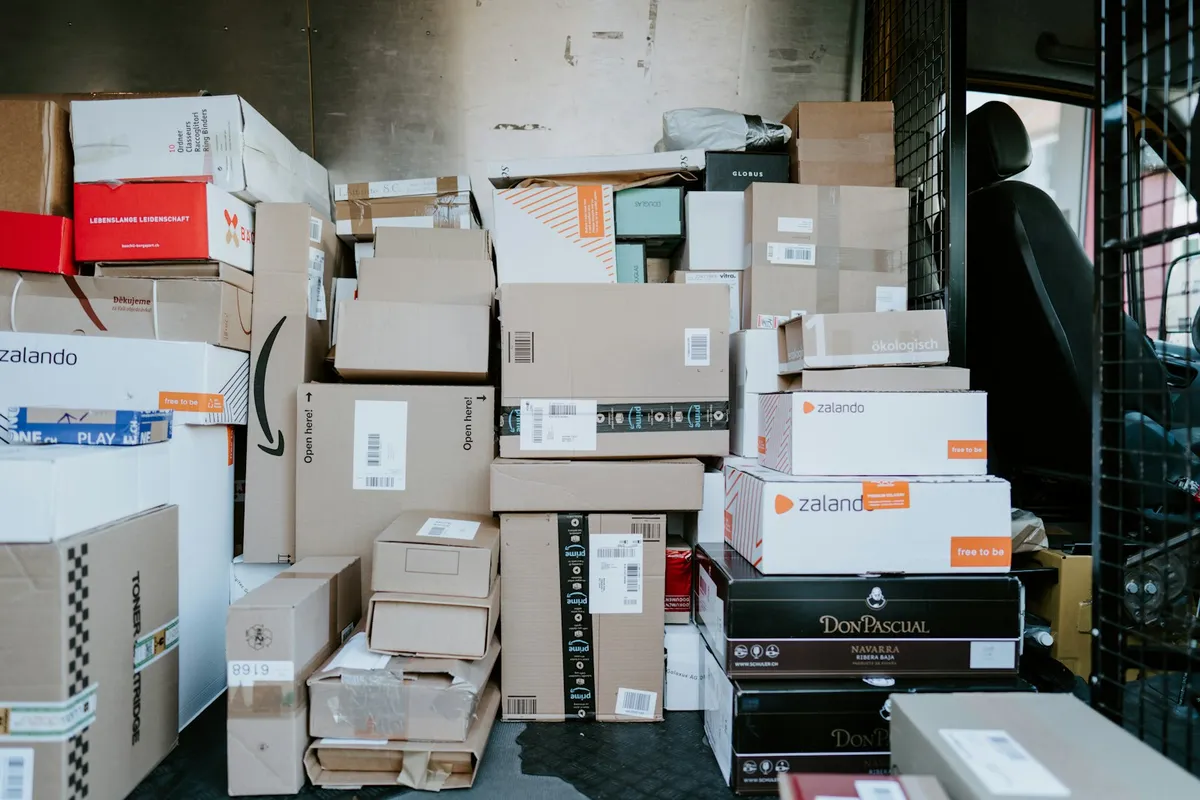
The postage label is the cheap part. Dimensional weight, packaging, label software, free-shipping subsidies, and processor fees on the freight charge all quietly stack up on every order you send. Here is the full cost anatomy of a shipped package, and the tables that show where your margin actually goes.

A buyer's guide to the inventory apps Etsy sellers actually evaluate in 2026 — Ardent Seller, Craftybase, Inventora, Sortly, and Zoho Inventory — with the five questions that decide which one is right for your shop, a side-by-side comparison, and the case where the right answer is "none of these."
POD sellers are told they have no inventory and no overhead. The reality: design time, mockup subscriptions, ad spend, platform fees, and return rates quietly eat margins that looked healthy on paper. Here is how to track what your POD business actually costs and which designs are worth keeping.

A 2026 trend report on the six platform shifts actually reshaping handmade selling — Etsy's seller filter and Creativity Standards AI-disclosure rule, AI-search product discovery, Faire's wholesale consolidation, TikTok Shop's $15.1B US run, the 1099-K threshold reversal, and the USPS Ground Advantage restructure — anchored to primary sources and each paired with one thing a maker should actually do about it.
Once you're selling, you'll need to track it
Tracking inventory, costs, and taxes across every batch and every channel is the operational reality once sales start. Ardent Seller is purpose-built for this.
Die-cut stickers, sticker sheets & decals
Ready to start?
Track every batch, recipe, and sale from day one of your sticker business. Free plan, no credit card.