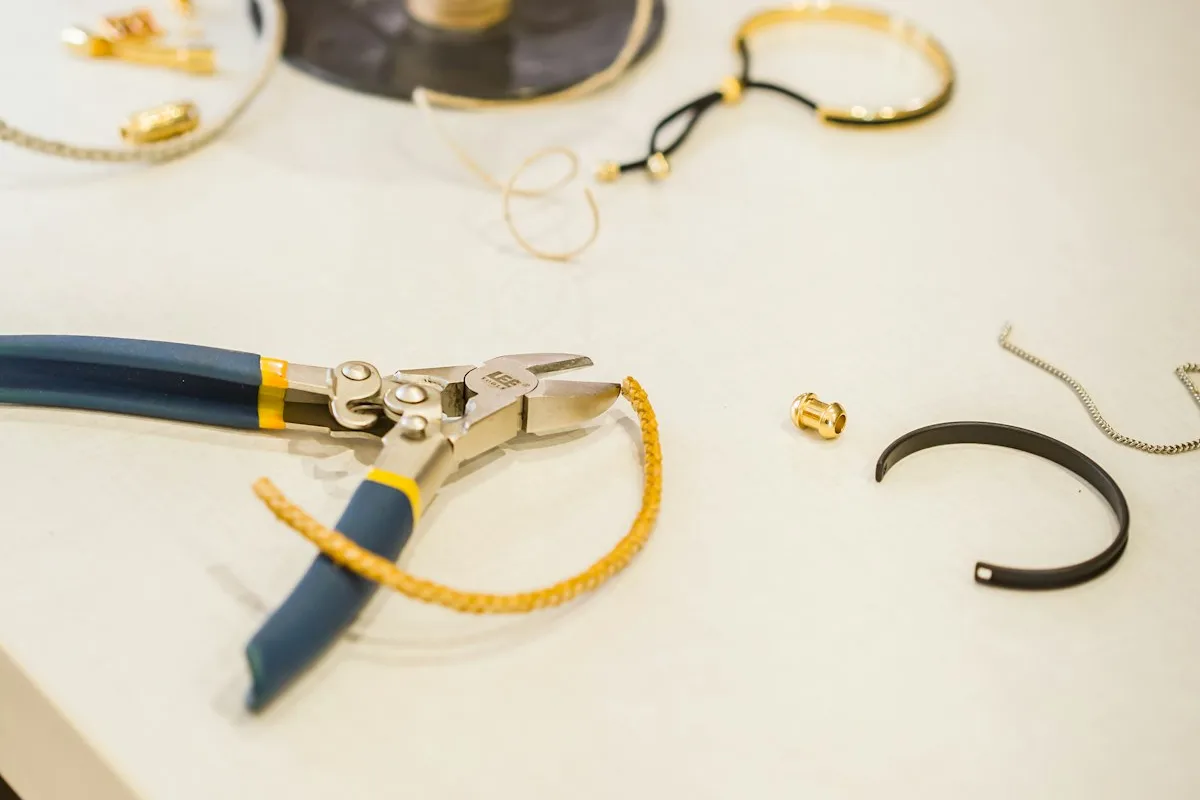
A jeweler's bench is a monument to organized smallness. Every tool has its slot, every stone its dish, every half-gram of sweep its labeled tin — because when your raw material costs more per ounce than a decent pair of shoes, you do not leave it rolling around loose. Discipline at the bench is not a personality trait. It is arithmetic.
Then you open your inventory spreadsheet, and somewhere between the vise and the laptop, all that discipline got lost. A spreadsheet is a bench where the drawers have no dividers, the labels are ones you wrote yourself at midnight, and the gemstones roll wherever they like. It looks organized. It is organized the way a junk drawer is organized: everything is technically in there.
The short version: A spreadsheet stores numbers but never links them, and jewelry inventory is almost entirely links — shared components, size-metal-stone variants, and pieces out on consignment. Stay on a spreadsheet while your line is small and your costs are steady. Switch to purpose-built inventory software once a single price change means editing dozens of rows, your in-stock counts stop being trustworthy, or a piece can go missing without your books noticing.
For a lot of jewelers, the spreadsheet works right up until the day it very loudly does not. Here are three composite makers arriving at that day from three different directions.
Nadia raises her silver price and pays for it twice
Nadia is a solo silversmith with about forty active SKUs — rings, cuffs, a few pendants — all tracked in one heroic master sheet she has nursed for two years. Column C is cost per gram of silver. It feeds a formula in every piece that uses silver, which is most of them.
Silver has a habit of not asking permission before it moves. When her supplier's invoice comes in eleven percent higher, Nadia does what the spreadsheet requires: she opens the master sheet and starts hand-editing. Except her costs are not all in one tidy place. Some pieces reference column C. Some have the old number typed directly into the formula from back when she was "just getting started." A couple of newer designs live on a second tab she made in a hurry.
She updates what she can find. Three weeks later she notices she has been selling her most popular cuff at a price built on silver that cost eleven percent less than what she is now paying. The spreadsheet did not lie to her. It just did exactly what she told it to, which was nothing, because she never told it these forty rows were secretly the same fact.
The tell: if one real-world change — a metal price, a new findings supplier — forces you to hand-edit many rows, your spreadsheet is storing the same number in many places instead of linking to it once.
Priya's variant list breeds overnight
Priya makes earrings and necklaces in a tidy little matrix: two metals, three lengths, four stones. On paper that is a clean, comprehensible line. In a spreadsheet it is twenty-four rows per design, and she has nine designs, and the rows do not stay put.
NECK-GLD-18-EME. NECK-SLV-16-OPL. EAR-GLD-DIA. She started with a naming scheme that made sense in March. By June she has three slightly different conventions, a row where "Opal" is spelled "Opla," and a genuine inability to answer the one question a variant list exists to answer: do I currently have the gold, 18-inch, emerald necklace in stock, or did that sell at the last show?
The spreadsheet holds all twenty-four rows faithfully. What it will not do is tell her which of the twenty-four are real, sellable, physically-in-the-drawer pieces versus rows she typed in as possibilities. Every variant looks equally in-stock, because a cell that says "1" and a cell that says "1" are indistinguishable, even when one of them is a lie she told herself in a planning mood.
The tell: if a "1" in a stock cell can mean a piece you own or a piece you only planned, your spreadsheet can no longer tell you what is actually for sale.
Renata loses track of the opal ring
Renata's pieces are out in the world. She consigns to five boutiques and two galleries — a scarf-pin here, a run of stacking rings there — and consignment is where a spreadsheet stops being merely tedious and starts being expensive.
Consignment asks three questions constantly: what is sitting where, what has sold, and what am I owed. A spreadsheet can hold those answers only if Renata updates it every single time a boutique texts her "sold the opal ring!" — which they do, unpredictably, in the middle of her workday, in language that does not match her SKUs. She keeps a "Consignment" tab. It is, inevitably, the tab nobody opens. That tab is where the money is.
Six months in, she does a reconciliation and finds an opal ring that is neither in her studio, nor listed as sold, nor accounted for at any of the seven locations. It is somewhere. It cost her $190 in materials. The spreadsheet's position on the matter is a serene, unhelpful blank cell.
The tell: if a piece can leave your studio and your books do not change, consignment has already outgrown what a spreadsheet tab can hold.
The pattern hiding under all three vignettes
Nadia, Priya, and Renata are not bad at spreadsheets. Nadia's formulas are genuinely clever. The problem is not their skill. It is that all three are asking a spreadsheet to do the one thing it structurally cannot: keep facts connected to each other over time.
A spreadsheet is a grid of independent cells. It stores a price, a count, a location — but it does not know that the silver price in cell C4 is the same silver used in eleven finished pieces, or that the "1" in the necklace row is supposed to shrink when a variant sells, or that the opal ring lives at a boutique until money comes back. Those relationships live only in the maker's head, and the maker's head is busy soldering.
Jewelry happens to be the worst-case scenario for that limitation, because jewelry inventory is simultaneously component-heavy (dozens of findings and stones feeding into each design), variant-heavy (every piece times metals times sizes times stones), expensive (a lost row is not a lost bead, it is a lost $190), and multi-channel (studio, retail, consignment, wholesale, all at once). Every one of those traits is a relationship a spreadsheet refuses to hold for you.
Spreadsheet vs. inventory software: the honest tradeoff
None of this means spreadsheets are villains. It means they are a tool with a ceiling, and the only real question is whether you have hit it. Here is the tradeoff without the sales pitch.
The spreadsheet
Pros:
- Free or nearly free, and already on your computer.
- Infinitely flexible — you can model anything, exactly the way your brain works.
- No learning curve you do not already have.
- Perfect for a small, stable line: a few dozen finished pieces, material costs that rarely move.
Cons:
- Stores numbers but does not link them — one change means many manual edits.
- No enforced structure, so variants and SKUs drift into chaos.
- No audit trail; an accidental overwrite is silent and permanent.
- Consignment and multi-channel tracking depend entirely on you remembering to update it.
Best for: the maker with a small catalog, steady costs, and a single sales channel who genuinely enjoys spreadsheet-keeping.
Purpose-built inventory software
Pros:
- Cost changes roll up automatically — update your silver lot once, and every piece using it re-prices itself.
- Structured SKUs generate across size, metal, and stone variants without hand-typing
NECK-GLD-18-EME. - Materials tracked in cost lots — each metal and stone purchase logged at the price you paid — with weighted average valuation, so per-piece COGS (cost of goods sold) reflects your real costs.
- Consignment and multiple locations are first-class: what is where, what sold, what is owed, visible at a glance.
- A full audit trail, so a mistake is recoverable instead of mysterious.
Cons:
- A real, if short, learning curve — you have to set materials and pieces up once.
- One more login, versus a file that is already open.
- The best of it is more structure than a tiny hobby line strictly needs.
Best for: the jeweler whose catalog, variant count, or sales channels have outgrown what one person can hold in their head.
So when do you actually switch?
Not on a calendar. On a symptom. You switch when a single change forces a marathon of manual edits (Nadia), when you can no longer trust your own in-stock numbers (Priya), or when a piece can vanish without your books noticing (Renata). If none of those has happened yet, your spreadsheet is fine — keep it. If two of them happened last quarter, the spreadsheet is no longer saving you time. It is charging you for the privilege of pretending it does.
This is the specific gap Ardent Seller was built to close for makers who carry expensive, component-heavy inventory — one linked answer to each of the three walls above:
- Cost lots with weighted average valuation — every gram of metal and parcel of stones logged at the price you paid, so Nadia's silver increase updates every affected piece at once instead of forty times by hand.
- Structured SKUs across metal, size, and stone — generated automatically, so Priya's variant matrix stays sane instead of drifting into
Opla. - First-class consignment tracking — what is sitting at which boutique, what has sold, and what is owed, so Renata's opal ring has nowhere to hide.
And because the plan is free forever, you can rebuild your spreadsheet inside it and run both side by side before you trust it — which is exactly how you should switch anything that touches money. If you want the wider, non-jewelry version of this comparison, the spreadsheets vs. Ardent Seller breakdown lays out the same tradeoff for any maker.
The bench taught you this lesson years ago: the reason every stone has a dish is so none of them roll off. Your inventory deserves the same dividers. A spreadsheet gives you a flat table and wishes you luck. The question is only whether your catalog has gotten expensive enough, and busy enough, that "good luck" has stopped being a plan.
Ready to see whether software actually beats your grid? Start free and rebuild one product line inside Ardent Seller — no card, no risk, and your spreadsheet stays right where it is until you are sure.
Related reading
- Spreadsheet Breakup — The non-jewelry version of this whole argument: the exact points at which any maker's spreadsheet stops paying its way, and what to move to.
- Jewelry Making Costs — How to track precious metals by the gram and stones by the piece so your per-piece COGS reflects what you actually paid, not last quarter's spot price.
- SKU Design for Small Sellers — Fix the variant-naming drift that turned Priya's
NECK-GLD-18-EMElist into chaos, with a repeatable SKU pattern that survives reorders.
Free resources
If you'd like to take this off-screen, these free downloads pair well:
- Spreadsheet vs Inventory Software: The Decision Guide — A structured way to score your own situation against Nadia's, Priya's, and Renata's, so you switch on evidence instead of frustration.
- Jewelry Maker's Cost-Per-Piece Calculator — Work out true per-piece COGS — metal, stones, findings, packaging, and labor — for a few of your bestsellers before you decide anything.
- SKU Naming & Barcode System Starter Kit — Fix the variant-naming drift that turned Priya's list into
NECK-SLV-16-OPLandOplain the same column.